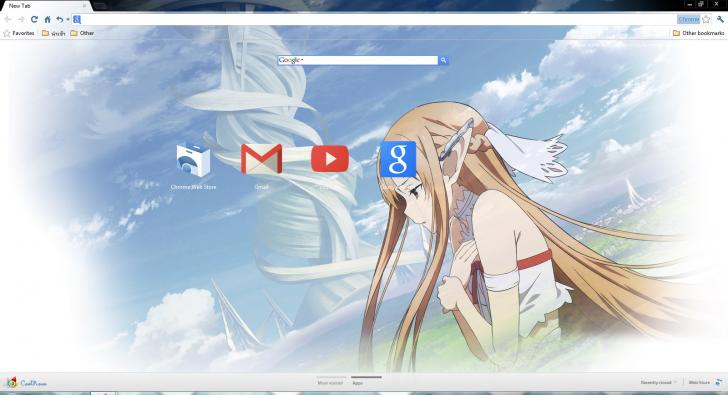
A theme for Tobisawa Misaki from Ao no
Kanata no Four Rhythm. This theme only contains wallpapers from the
character, and optimized for Full HD quality resolution. This theme can
be installed on Windows 7, Windows 8, Windows 8.1, and Windows 10.
Theme Details:
Title: Ao no Kanata no Four Rhythm – Tobisawa Misaki ~ Windows 7, 8, & 10 Theme
Anime: Ao no Kanata no Four Rhythm (蒼の彼方のフォーリズム, Beyond the sky, into
the firmament., Four Rhythm Across the Blue, 4Rhythm, Aokana, 苍之彼方的四重奏)
Character: Tobisawa Misaki (鳶沢 みさき)
Compatibility: Windows 7 Windows 8, Windows 8.1, Windows 10
File Size: 4.7 MB
Download:
Installing custom theme would require
additional software to install. Follow our detailed guide on how to
install themes and skins, you can read it
here.
Password already included inside the .rar, check the .txt file.
Sumber : http://anitheme.net


.jpg)
.jpg)
.jpg)
.jpg)